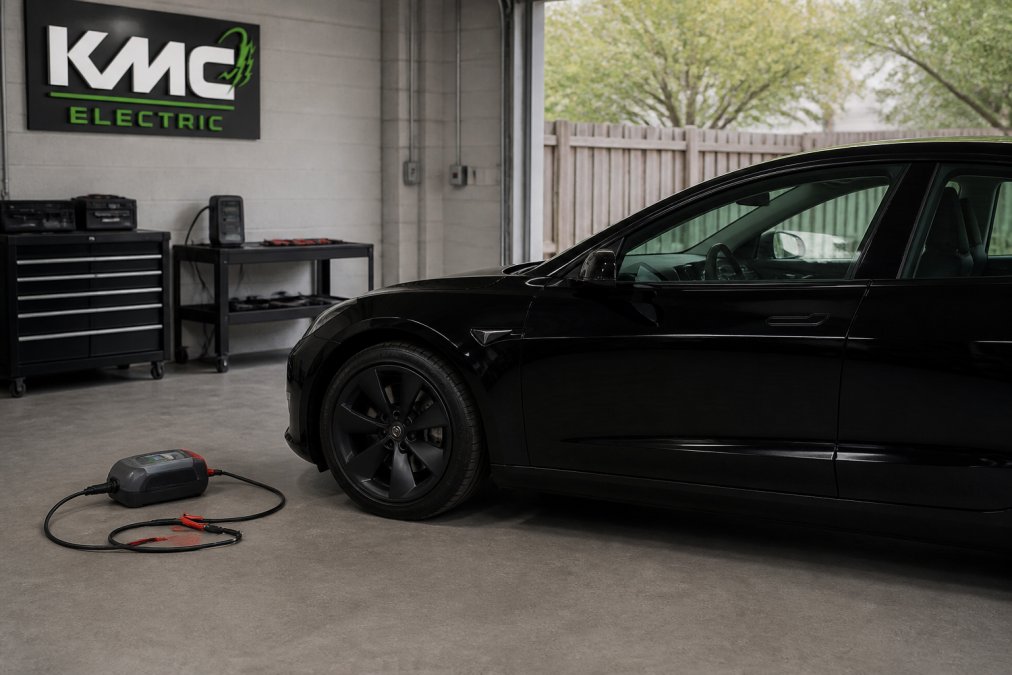
Learning how to troubleshoot Tesla Model 3 common issues starts with recognising which faults are routine and which point to something more serious. At KMC Electric, our technicians see the same handful of problems repeatedly: suspension clonks, a frozen centre screen, a tired 12V battery, and charging faults. None of them are rare, and most have a logical cause you can trace in a few minutes.
The good news is that the Model 3 is a genuinely durable car. The bad news is that when something does go wrong, the symptoms are often vague, and main dealer diagnostic time adds up quickly. Understanding what each fault actually means is the difference between a cheap fix and an expensive guess.
That matters more than ever for out-of-warranty owners across Kettering and Northamptonshire, where an independent second opinion can save both time and money. Below, we break down each fault category, the checks worth doing yourself, and the point at which you should hand the car to a specialist.
Key TakeawayMost Model 3 faults fall into four buckets: suspension, software, 12V power, and charging. Identifying the bucket first narrows the diagnosis dramatically.
Tesla Model 3 Suspension Noise Troubleshooting
Suspension noise is the most common complaint we hear on higher-mileage Model 3s, and it is almost always mechanical rather than electronic. A clunk over speed bumps, a creak when turning, or a rattle at low speed points to worn components in the front end.
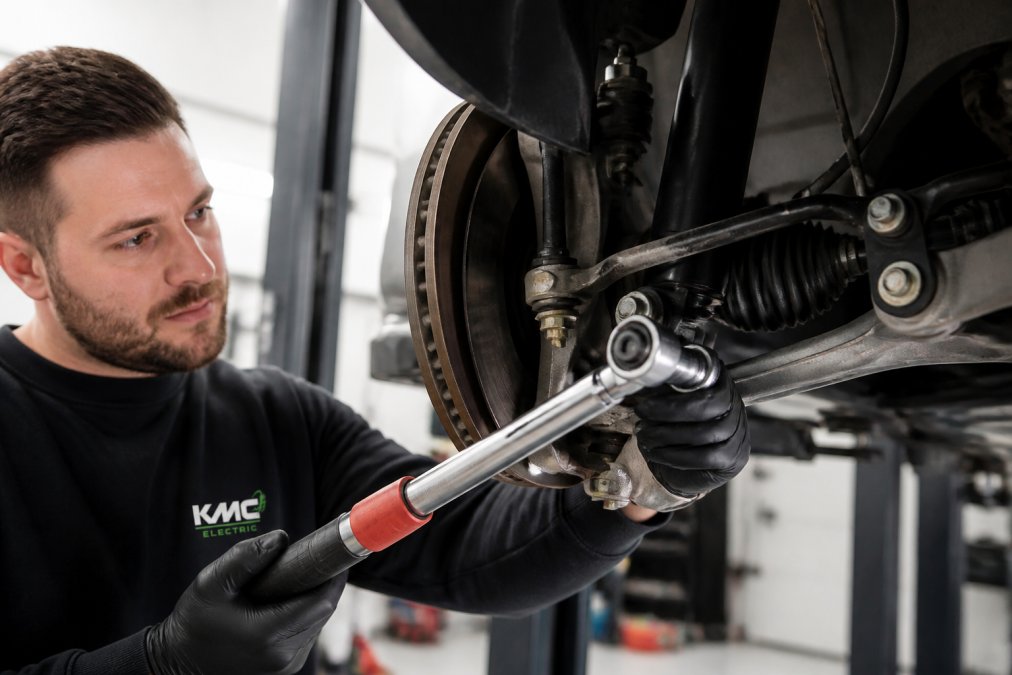
Technician using a torque wrench on a Tesla Model 3 suspension component in a professional workshop
Diagnosing Clunks and Creaks from the Front End
A clunk is a heavy, single knock, usually over uneven road surfaces. A creak is a lighter, rubbery groan, often heard when steering at low speed. The distinction matters because each points to a different component.
Clunk over bumps: typically worn control arm bushes or a failing ball joint
Creak when turning: usually dry or perished anti-roll bar bushes
Rattle at low speed: often a loose drop link or worn top mount
Knock under braking: check for play in the lower control arm
A common mistake is replacing parts before confirming which corner is making the noise. A simple road test with a second person listening from outside can localise the fault in minutes.
When to Replace Control Arms and Bushings
Control arms and their bushes are wear items, not lifetime components. On a Model 3 covering typical UK mileage, expect to inspect them once the car passes the 60,000-mile mark.
If there is visible play in the bush or the rubber has cracked and separated, replacement is the only sensible fix. Tightening a worn bush buys a few weeks at best. Get both sides assessed at the same time, because wear is rarely one-sided, and a second visit costs more than doing the job once.
Watch OutDriving on a badly worn control arm bush accelerates tyre wear and can affect steering alignment. Left long enough, it turns a straightforward bush replacement into a full arm and alignment job.
Tesla Model 3 Screen Freezing Fix
A frozen centre screen is rarely a hardware failure. In the vast majority of cases it is a software glitch, and a reset clears it. The Model 3 has two levels of reset, and knowing which to use saves a trip to a workshop.
Performing a Hard Reset Safely
A soft reset reboots the touchscreen only. A hard reset reboots the whole car's computer systems and is the one that clears a genuinely stuck screen.
To perform a hard reset:
Park the car safely and select Park
Hold both scroll wheels on the steering wheel down together
Keep holding until the screen goes black, then release
Wait for the Tesla logo to reappear, which can take up to a minute
Do not touch the screen or pedals during the reboot
If the screen returns but freezes again within a short drive, the issue is likely software version related. Check for a pending over-the-air update, because Tesla frequently fixes these glitches in firmware. If freezes continue after an update, the screen module itself needs testing, and that is specialist work.
Pro TipIf the screen is frozen but the car still drives, you can usually keep driving safely. Indicators and hazard lights have physical stalks, so you are not without basic signalling.
Tesla Model 3 12V Battery Replacement
The 12V battery is the single most misunderstood component on any Tesla. It powers the computers, lights, and door systems, and when it fails, the car can appear completely dead even with a fully charged main pack. It is a consumable, and it will fail eventually.
Symptoms of a Failing 12V Battery
Watch for these warning signs before the battery leaves you stranded:
On a Model 3, the 12V battery typically lasts a handful of years depending on usage and climate. Short, frequent journeys are harder on it than long motorway runs, because the car has less opportunity to keep it topped up (How long do car batteries last?).
Replacement is a straightforward job for a specialist, but it is not a task to improvise. The battery is accessed behind trim, and the car needs its systems handled correctly during the swap to avoid error codes. If you are unsure of the battery's age, a load test takes minutes and tells you definitively whether it is on the way out.
Charging Problems and What to Check First
Charging faults are the issue most likely to be caused by something outside the car. Before assuming a fault, work through the simple checks in order.
Symptom
Likely Cause
First Check
Car will not start charging
Connector not fully seated
Reseat the cable firmly
Charge stops partway
Overheating or supply fault
Try a different charge point
Slow charge rate
Charge point limit or cold battery
Check charge point rating
Error on screen at plug-in
Handshake or cable fault
Inspect cable and pins
No charge at home
Tripped supply or charger fault
Check consumer unit and charger
A common mistake is blaming the car when the home charge point or the public unit is at fault. Try a second charge point before booking any diagnostic work. If the car charges fine elsewhere, the problem is the supply, not the vehicle.
If charging faults persist across multiple charge points, the onboard charger or charge port may need testing. That is where independent specialist diagnostics earn their keep, since fault codes here are not always clear-cut.
When to Seek Professional Help for Your Tesla Model 3
Some faults are safe to diagnose yourself. Others need proper diagnostic equipment and someone who understands Tesla systems. The dividing line is usually whether the fault is mechanical, involves high-voltage components, or keeps returning after a reset.
Book professional help when:
A suspension noise persists after a visual check
The screen freezes repeatedly after a reset and update
The car will not charge on any charge point
Warning messages stay on after a restart
You are buying a used Model 3 and want an independent battery health check
This is exactly the work KMC Electric handles daily. As an independent Tesla and EV specialist with Level 4 Master Technician status in electric vehicles since 2016 and over 25 years in the automotive trade, we diagnose faults that generic garages cannot, and we verify battery health for buyers and sellers who need certainty before money changes hands. If you are searching for a Tesla specialist near me in the Kettering area, our team works with owners and dealerships across Northamptonshire and Leicestershire.
The value of an early diagnosis is simple: catching a worn bush or a failing 12V battery now prevents a far larger bill later.
Frequently Asked Questions
What are the most common faults with the Tesla Model 3 in the UK?
The most common faults reported by UK owners include suspension noises such as clunks from worn control arms, the central touchscreen freezing or becoming unresponsive, and 12V battery failures which can cause a range of electrical gremlins. Charging port issues and problems with the pyro fuse are also known. Many of these issues can be diagnosed and repaired by an independent specialist like KMC Electric, often at a lower cost than a main dealer.
How do I perform a hard reset on my Tesla Model 3?
To perform a hard reset, first try a soft reset by holding both scroll wheels on the steering wheel until the screen goes black.
When should I seek professional help for my Tesla Model 3?
You should seek professional help if a simple reset does not fix a screen issue, if you hear persistent or worsening suspension noises, or if you see warning messages related to the battery or charging system. Any fault that affects safety-critical systems like brakes, steering, or high-voltage components should be inspected by a qualified EV technician. KMC Electric in Kettering offers expert diagnosis for these issues, helping you avoid unnecessary repairs and potential breakdowns.
How can I check my Tesla Model 3 battery health?
You can get an indication of battery health by checking the rated range displayed on the screen and comparing it to the original specification. However, for an accurate assessment, you need a diagnostic scan that reads the battery management system data. An independent specialist like KMC Electric can perform a battery health check, which is particularly important if you are buying a used Model 3 or your vehicle is nearing the end of its warranty. Tesla faults rarely fix themselves, and the longer a small issue runs, the more it costs to put right. If your Model 3 is showing any of the symptoms above, KMC Electric can diagnose it properly, verify your battery health independently, and carry out practical repairs that extend the life of your car. We offer transparent diagnosis, cost-effective alternatives to main dealer work, and specialist knowledge across every Tesla model. Get in touch with KMC Electric and book your diagnostic today.