Knowing how to check tesla battery health is one of the most practical things you can do as an EV owner, whether you're protecting a long-term investment or assessing a used vehicle before purchase. This guide from KMC Electric covers every method available in 2026, from Tesla's built-in tools to third-party diagnostic apps, with honest advice on what the numbers actually mean.
Here's what most guides get wrong: they focus entirely on the range estimate shown on the dashboard and treat it as a reliable health indicator. It isn't. Range estimates are influenced by driving style, temperature, tyre pressure, and recent charging patterns. The real measure of battery health is how many kilowatt-hours your pack can store relative to its original capacity, a distinction that matters enormously when making a buying or selling decision.
How to Check Tesla Battery Health Using Built-In Tools
Tesla's native software gives you more diagnostic information than most EV manufacturers provide, but it requires knowing where to look.
Reading the Energy App and Range Metrics
The Energy app displays real-time and recent consumption data. For a meaningful health reading, charge to 100% and note the estimated range, then compare it against the EPA-rated range for your specific model and year. The gap indicates capacity fade.
A more reliable approach: navigate to Controls > Charging, note the "Rated Range" figure, and repeat across several charge cycles to average the results. Single readings can be skewed by temperature or recent driving.
Pro TipFor the most accurate reading, perform this check after the vehicle has been parked overnight at a moderate ambient temperature (10-20°C). Cold batteries report artificially low range; warm batteries can read slightly high.
What the Battery Management System Tells You
The battery management system (BMS) monitors individual cell voltages, temperatures, and overall pack capacity, continuously recalibrating its range estimate based on recent driving history. It does not expose raw State of Health data through the standard interface, that's a deliberate design choice. To access deeper diagnostics, you need either the Service Menu or a third-party app that reads the vehicle's CAN bus data.
How to Run the Tesla Service Mode Battery Test
The Tesla Service Menu provides access to a formal battery health test not available through the standard driver interface.
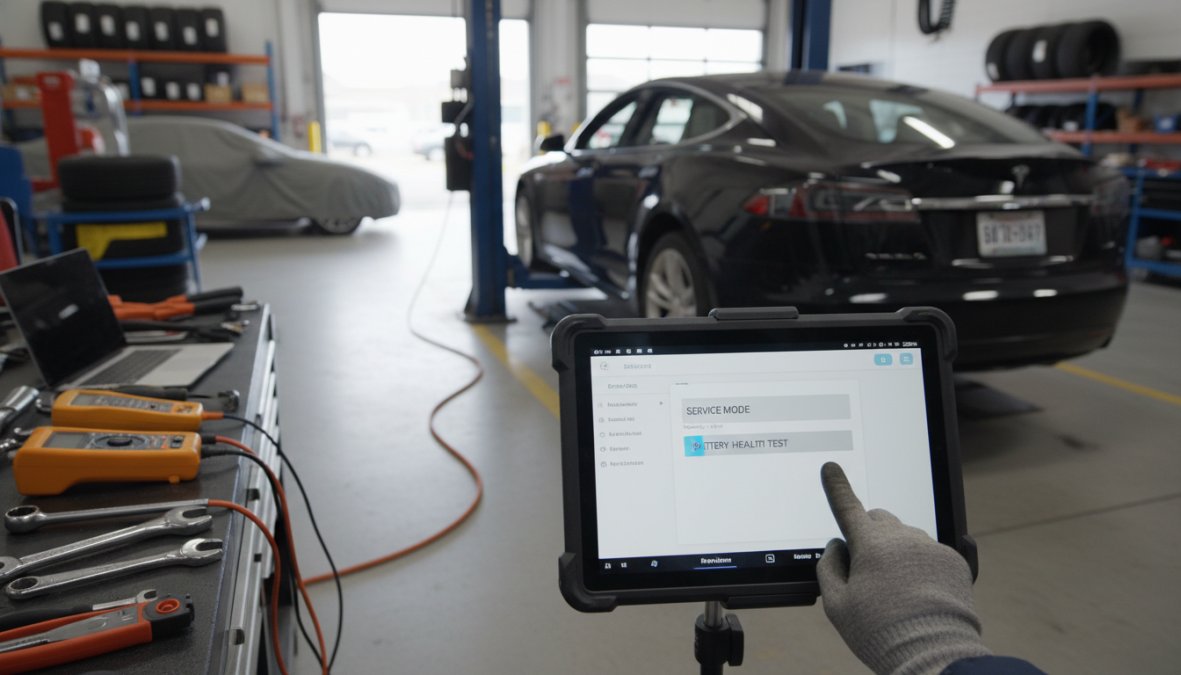
Close-up of a Tesla touchscreen displaying a service diagnostics menu inside a vehicle interior, with a technician's gloved hand navigating the screen under warm cabin lighting
Step-by-Step: Accessing the Service Menu
Ensure the vehicle is parked, plugged into an AC charger, and the touchscreen is fully loaded.
Tap the Tesla "T" logo at the top centre of the screen.
Enter the service access code when prompted. As of 2026, the full diagnostic menu requires either Tesla Service authorisation or a Level 4-certified independent technician.
Navigate to Service > Battery to view the battery diagnostic panel.
Run the battery test and record the State of Health percentage, full pack capacity in kWh, and any flagged cell imbalances.
The test takes 2-5 minutes and produces a diagnostic report showing current capacity against original rated capacity.
Troubleshooting the Service Menu When It Does Not Appear
On many post-2023 Tesla models, the standard Service Menu entry point has been removed from the public-facing UI. If tapping the "T" logo produces no prompt, the vehicle's software has likely moved beyond the publicly accessible service interface.
Options at this point:
Request a Service Report from Tesla: The most authoritative document for warranty or resale purposes.
Use a certified independent specialist: KMC Electric, based in Kettering, Northamptonshire, holds Level 4 Master Technician status and can perform independent battery health verification, particularly valuable for out-of-warranty vehicles or pre-purchase inspections.
Third-party OBD2 apps: Covered below. These bypass the service menu by reading BMS data directly.
Watch OutDo not attempt to enter unofficial service codes sourced from online forums. Entering incorrect codes repeatedly can trigger a lockout state that requires a Tesla Service visit to resolve.
Understanding Tesla Battery Degradation Rate and What Is Normal
Battery degradation is a predictable electrochemical process every lithium-ion pack undergoes over time and charge cycles. Battery degradation is the gradual reduction in a pack's maximum energy storage capacity as a percentage of its original rated capacity, a Tesla at 90% State of Health (SoH) can store 10% less energy than when new.
According to Recurrent Auto's annual EV battery health analysis, most Tesla vehicles retain strong capacity through the first several years of ownership, with the steepest degradation typically occurring in the first 50,000 miles before levelling off, consistent with the "knee point" in lithium-ion degradation curves.
Capacity Fade vs Power Fade: Key Differences
Capacity fade is the reduction in total energy the battery can store, directly reducing range. Power fade is the reduction in the battery's ability to deliver or accept current quickly, affecting acceleration and charging speed rather than range. Most Tesla owners encounter capacity fade long before power fade becomes noticeable; power fade is more common in batteries that have experienced repeated thermal stress from frequent Supercharging in hot climates.
Symptom
Capacity Fade
Power Fade
Reduced maximum range
Yes
Minimal
Slower Supercharging
Minimal
Yes
Reduced acceleration
No
Yes
Lower kWh at 100% charge
Yes
No
BMS warnings
Occasionally
More common
Model-Specific Nuances: Model 3, Model Y, and Battery Chemistry
Tesla Model 3 Standard Range (LFP battery): Lithium iron phosphate chemistry is more cycle-stable and tolerates regular 100% charging without significant degradation. Tesla officially recommends charging to 100% daily for these variants. Periodic full charges are required to maintain BMS accuracy.
Tesla Model 3 Long Range and Performance (NCA/NCM battery): Higher energy density but more sensitive to high states of charge. Tesla recommends an 80-90% daily charge limit. Degradation curves tend to be steeper in the first 20,000-30,000 miles before stabilising.
Tesla Model Y: Shares much of its battery architecture with the Model 3 depending on variant and year. Post-2022 Model Y vehicles from Gigafactory Berlin use a different cell format. Always verify battery chemistry before interpreting SoH data.
Best Apps for Tesla Battery Health Diagnostics
Third-party diagnostic apps are the most accessible route to detailed battery health data for most owners.
Tessie and Recurrent Auto: What They Measure
Tessie connects to Tesla's official API and pulls data including battery level, charge session history, and estimated degradation. It presents SoH as a percentage based on observed maximum charge capacity versus rated capacity. Data quality is high because it uses Tesla's own reported figures.
Recurrent Auto aggregates anonymised battery data from thousands of Tesla vehicles to benchmark your vehicle's SoH against similar models, years, and mileage. Knowing your Model Y is at 94% SoH means more when you can see the average for your cohort is 92%.
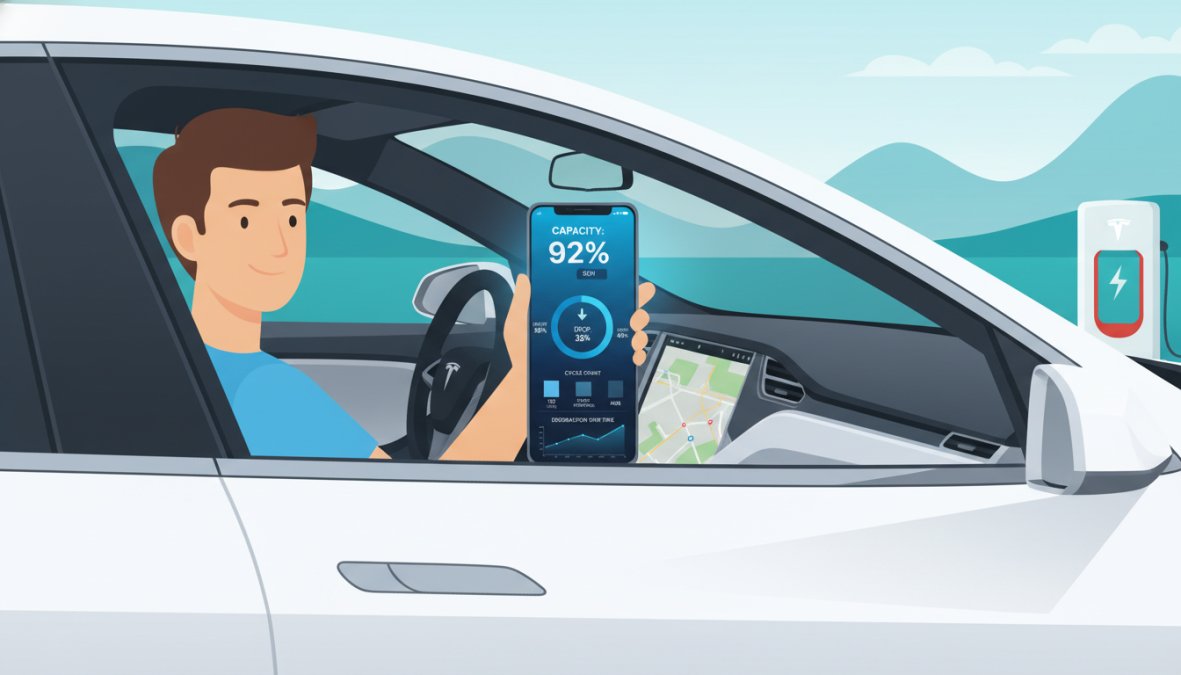
A person holding a smartphone displaying a Tesla battery health monitoring app with charge percentage and range data, seated in the driver's seat of a Tesla with the dashboard visible in soft daylight
Both apps read from BMS data, reflecting the same underlying information Tesla's own systems use. Neither provides raw cell-level data that a professional diagnostic tool can access, but for routine monitoring they are more than adequate.
Key TakeawayFor ongoing battery monitoring, Tessie gives you the best raw data from Tesla's API. For a comparative benchmark against similar vehicles, Recurrent Auto provides context that single-vehicle data cannot.
How to Check Tesla Battery Health When Buying a Used EV
Purchasing a used Tesla without verifying battery health is one of the more expensive mistakes an EV buyer can make. The battery pack is the most valuable single component in the vehicle.
Requesting a Diagnostic Report Before Purchase
Before committing to a purchase, request the following:
A Tesla Service history printout showing any battery-related service events
A current battery diagnostic report showing SoH percentage and rated kWh capacity
Charging history data (available via Tessie or Recurrent if the seller grants temporary API access)
Confirmation of battery chemistry (LFP vs NCA) for the specific variant
If the seller cannot or will not provide a diagnostic report, treat that as a significant red flag. KMC Electric offers independent battery health verification for buyers and sellers in Kettering and across Northamptonshire, providing a documented assessment that neither party can dispute.
Warranty Implications of Battery Health
Tesla's battery warranty covers the pack against defects and excessive degradation. For most Tesla models, it guarantees the battery will retain at least 70% of its original capacity within the warranty period, falling below that threshold entitles you to a replacement or repair.
Two critical points: first, warranty coverage is tied to the original purchase date, not the resale date, so a used Tesla retains remaining coverage for the new owner. Second, documenting battery health at the point of purchase creates a clear baseline. As noted in Tesla's official warranty documentation, claims require evidence that degradation occurred within the covered period, a pre-purchase diagnostic report strengthens any future claim significantly.
Factors That Affect Tesla Battery Health Over Time
The primary factors affecting battery health are:
Charge cycles and depth of discharge: Repeatedly cycling from near-empty to 100% accelerates degradation more than shallow cycles. Keeping the battery between 20% and 80% for daily use extends pack life.
Supercharging frequency: DC fast charging generates more heat and places higher current demands on cells. Occasional Supercharging is fine; using it as the primary daily charging method accelerates fade over time.
Thermal exposure: Consistently hot climates accelerate degradation. Tesla's thermal management system handles most of this automatically.
Time at high state of charge: Leaving an NCA battery at 100% for extended periods causes more stress than LFP. Avoid leaving it plugged in at 100% overnight unless departing the next morning.
Software updates: OTA updates occasionally recalibrate the BMS, causing apparent range changes that are not actual degradation. Always check for recent updates before diagnosing a range drop.
How to Improve Tesla Battery Life and Slow Degradation
Set a daily charge limit of 80-90% for NCA/NCM vehicles via Tesla's charging settings. For LFP vehicles, charge to 100% regularly to keep the BMS calibrated.
Precondition before Supercharging. Tesla's navigation does this automatically when routing to a Supercharger. Without navigation, activate battery preconditioning via the app 15-20 minutes before arrival. A warm battery charges faster and experiences less stress.
Use scheduled charging to complete charging shortly before departure, minimising time spent at a high state of charge.
Avoid deep discharges. Running below 10% regularly accelerates degradation, plan routes to arrive at a Supercharger above that threshold.
Keep the vehicle plugged in during extreme temperatures so the thermal management system maintains optimal battery temperature without drawing from the pack itself.
A common mistake is assuming any range reduction requires workshop attention. Many drops are temporary and resolve with a full charge cycle and BMS recalibration. Persistent range loss of more than 10-15% below rated capacity for your mileage cohort is the threshold worth investigating professionally.
Verifying Tesla battery health requires the right tools, the right data, and an understanding of what the numbers actually mean. For Tesla owners in Kettering and across Northamptonshire who want an independent, documented assessment, KMC Electric provides professional battery health verification backed by Level 4 Master Technician status in electric vehicles and EV qualifications dating to 2016. Whether you're buying, selling, or managing a long-term vehicle, an independent inspection from a specialist with over 25 years of automotive experience gives you a clear picture before making any decision. Contact KMC Electric to submit a booking request and get a verified battery health report for your vehicle.
Frequently Asked Questions
How do I know if my Tesla battery is degrading?
The clearest signs of battery degradation are a reduced maximum range at full charge compared to when the vehicle was new, and slower charging speeds. You can check Tesla battery health by comparing your current full-charge range against the original rated range for your model. Third-party apps like Recurrent Auto and Tessie can also track State of Health over time, giving you a clearer picture of capacity fade and overall kilowatt-hour retention.
Does Tesla have a built-in battery health check?
Tesla does not display a dedicated State of Health percentage in the standard owner interface. However, certain models allow access to a battery diagnostic report through the Service Menu, which technicians and informed owners can use to run a more formal assessment. For most owners, the Energy app and charge data provide the most accessible way to check Tesla battery health without specialist tools or third-party apps.
What is a normal battery degradation rate for a Tesla?
Tesla batteries generally show the steepest degradation in the first year or so, after which the rate tends to slow considerably. Many owners report retaining a large majority of original capacity after several years of use, though this varies by model, battery chemistry, LFP versus NCA, charging habits, and climate. Frequent Supercharging and regularly charging to 100% can accelerate capacity fade compared to moderate daily charging routines.
Can I use third-party apps to check Tesla battery health?
Yes. Apps such as Tessie and Recurrent Auto connect via the Tesla API and track your battery's State of Health over time by analysing charge cycles, energy retention, and range data. They are among the best apps for Tesla battery health monitoring available to owners without specialist equipment. While they do not access raw battery management system data directly, they provide useful trend analysis that can flag unusual degradation patterns early.
How does battery health affect Tesla resale value and warranty?
Battery health has a direct impact on resale value, buyers and dealers increasingly use State of Health data to negotiate pricing on used EVs. Tesla's battery warranty covers significant capacity loss below a defined threshold within the warranty period, so documenting SoH before warranty expiry is important. An independent diagnostic report from a specialist like KMC Electric can verify battery condition and support warranty claims or provide confidence during a used EV inspection.